Dicota Abacus Touch
product.sku.label6375688
28,25 $
product.stock.availablity.title Verfügbar
Gewöhnlich lieferbar in 3 - 7 Tagen
Abacus Touch
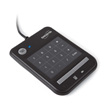
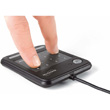
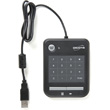
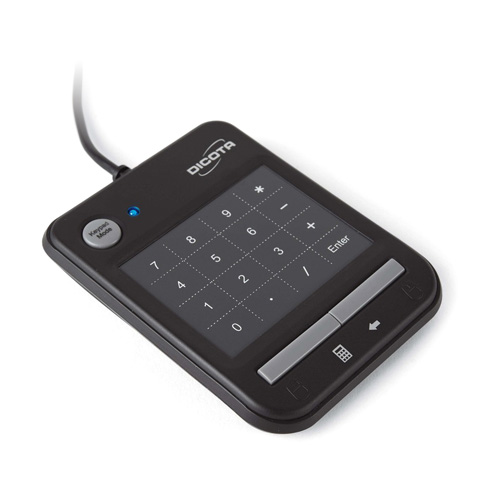
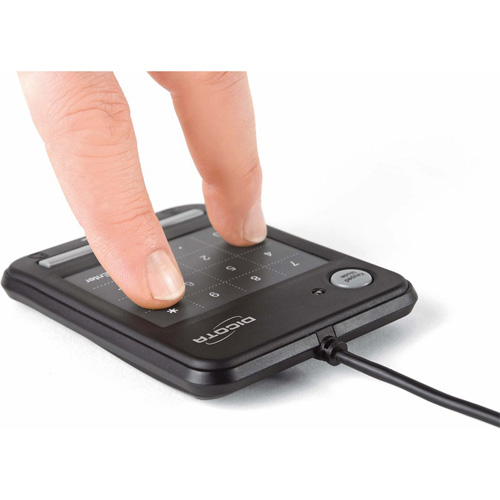
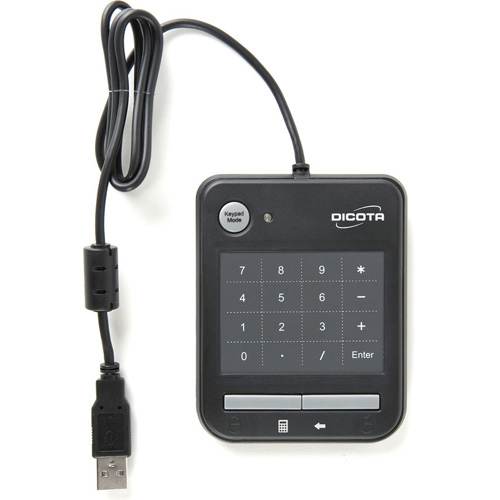
Abacus Touch combines a numeric keypad with a multifunctional touchpad and is easily connected to your notebook via USB. You can switch between keypad mode and smartpad mode by just pressing a button. Thanks to the multi-touch technology, when in smartpad mode Abacus Touch lets you scroll, zoom, magnify, switch window, move page up and down and go to “my computer”, all by simply moving your fingers. By tapping on the device with a single finger you get the same function as the left click button of a mouse.
Abacus Touch is also equipped with two buttons that in smartpad mode functions as right and left mouse button. When switching to keypad mode the left button then acts as a quick hotkey for Microsoft calculator and right button as a backspace key, similar as on a conventional keypad. The versatility of the Abacus Touch makes it the perfect companion to your notebook, whether it is for professional or private use.
Abacus Touch is delivered with a CD rom driver and user manual.
Abacus Touch is also equipped with two buttons that in smartpad mode functions as right and left mouse button. When switching to keypad mode the left button then acts as a quick hotkey for Microsoft calculator and right button as a backspace key, similar as on a conventional keypad. The versatility of the Abacus Touch makes it the perfect companion to your notebook, whether it is for professional or private use.
Abacus Touch is delivered with a CD rom driver and user manual.
- Keyboard layout:
- numeric
- Mouse included:
- N
- Device interface:
- USB
- Compatible operating systems:
- Microsoft Windows 2000/XP/ Vista/7
- Keyboard dimensions (WxDxH):
- 80 x 12 x 100 mm
- Mac operating systems supported:
- -
- Material:
- ABS synthetics
- Colour_of_product:
- Black
- Built-in touchpad:
- Y
- Source data-sheet:
- Icecat.biz